
Best Online Video Downloaders in 2026: Tested & Reviewed
Finding the best online video downloader is not as simple as picking the first tool in search results. Some work well for YouTube, others are better for TikTok or general website video links, and many vary a lot in speed, stability, and mobile usability.
This guide compares the best online video downloaders in 2026 based on real testing, so you can quickly find the right option for fast downloads, free use, and fewer redirects.
Part 1: The Best Online Video Downloaders at a Glance
If you want a quick answer before the full reviews, this table highlights the best online video downloader options based on use case, platform fit, and overall experience.
| Tools | Works Best With | Standout Strength | Main Limitation |
|---|---|---|---|
| VideoDownloadTool | YouTube, Facebook, X, TikTok, and general website video links | Fast browser-based downloads, simple MP4/MP3 choices, and an easy paste-and-download experience | Less useful for users who want built-in editing tools |
| Cobalt | Privacy-first downloads and general link-based downloads where trust and interface quality matter more than YouTube support | Ad-free, tracker-free, open-source experience with strong transparency | YouTube downloading on the official site is currently unavailable |
| Dirpy | Simple YouTube conversions and quick one-off MP3 or MP4 downloads | Handy for basic conversion tasks, especially when you just need a simple audio or video file | The interface feels dated, and the free version is more limited than newer tools |
| SnapTik | TikTok-only downloads | Fast no-watermark TikTok downloads with very little setup | Too limited for users who want one tool for multiple platforms |
| VEED | Social clips, short-form content, and quick edits after downloading | Download and edit in one browser-based flow | Less direct than simpler tools if you only want a quick download |
| Flixier | Cloud editing, publishing, and downloaded videos that need subtitles, trimming, or repurposing | Strong cloud-based editing after download | Heavier than a simple online video downloader when you only want to save a file |
Part 2: How We Tested the Best Online Video Downloader
To make this review more useful than a simple opinion roundup, we looked at each online video downloader through the same set of practical checks. The goal was not just to see whether a tool could download a video once but also whether it stayed reliable across repeated tries, different platforms, and different devices.
- Stability: We looked at whether the tool worked consistently across repeated tests instead of succeeding only once.
- Speed: We compared how quickly the site processed links and moved users from paste to download.
- Output Options: We checked whether the downloader offered useful format or quality choices instead of a single limited output.
- Ad and Redirect Experience: We noted how much friction came from pop-ups, fake buttons, redirect pages, or cluttered layouts.
- Mobile Usability: We reviewed how easy the tool was to use on a phone browser, not just on desktop.
- Platform Coverage: We considered how well each tool handled different sources, including YouTube, TikTok, Facebook, and X.
Part 3: Which Online Video Downloader Is Best for You?
VideoDownloadTool: Best for Safe and Fast MP4/MP3 Downloads
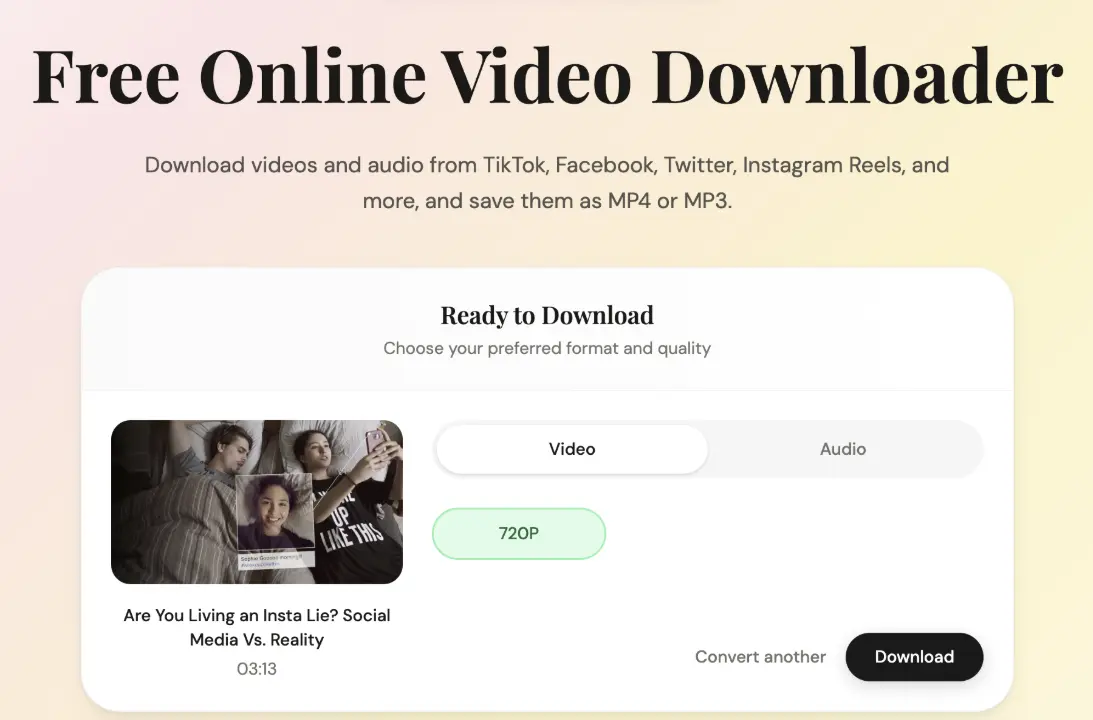
VideoDownloadTool is one of the best free online video downloaders for users who want to download videos without extra setup. It focuses on the core job well: pasting a link, choosing an output, and downloading with less friction than many ad-heavy alternatives. Compared with creator-focused tools, it stays lightweight and easier to use for everyday downloads.
Key Features:
- Supports a simple paste-and-download flow
- Offers common output options such as MP4 and MP3
- Works well in desktop and mobile browsers
- Focuses on downloading without forcing users into an editing flow
- Easier to use than many ad-heavy online alternatives
Our Experience:
In testing, VideoDownloadTool was one of the most straightforward tools to use from start to finish. Link processing was quick, the page flow was easy to follow, and the experience felt more stable than many free online video downloader sites that rely heavily on redirects. It also handled general everyday use better than tools that feel optimized only for one platform or one type of user.
What We Like:
- Fast and simple downloads
- Clean experience with less friction
- Useful format options for common download needs
- Practical for both casual and repeat use
What We Don't Like:
- Less appealing for users who want editing or publishing tools built in
Cobalt: Best Privacy-First Option
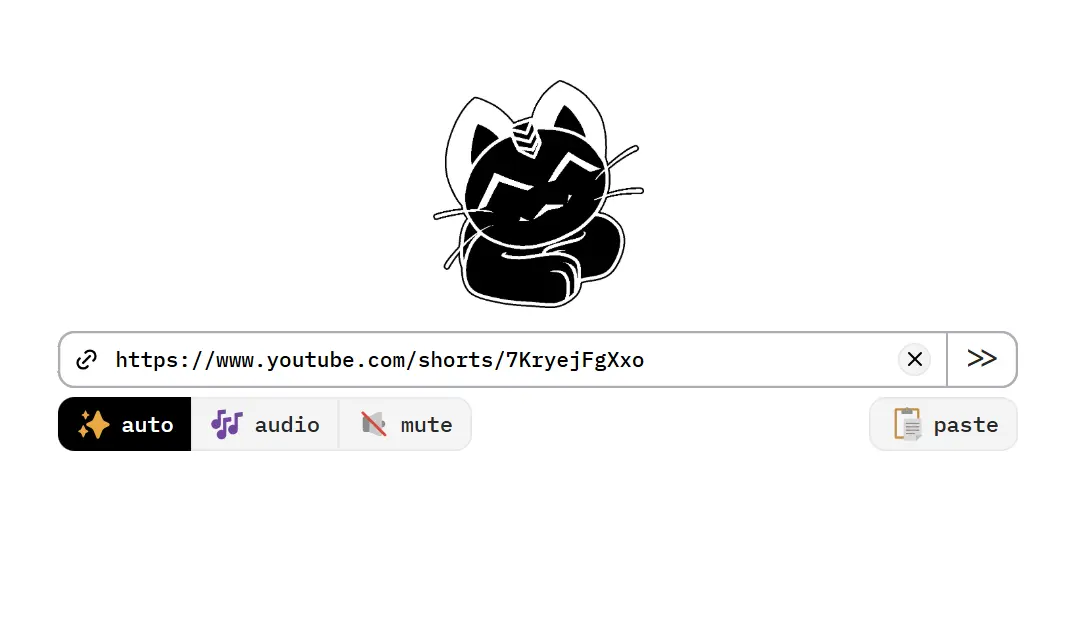
Cobalt still stands out as the most privacy-first tool in this list, but it is no longer a reliable YouTube recommendation on the official cobalt.tools instance. Its strengths are still real: ad-free, tracker-free, zero-log, open source, self-hostable, and much cleaner than typical online download sites. But for users searching for the best online video downloader for YouTube, YouTube downloading is temporarily disabled due to YouTube restrictions.
Key Features:
- Ad-free, tracker-free, and zero-log
- Open-source with self-hosting support
- Clean and minimal interface
- Advanced codec options like h264/aac, AV1/Opus, and VP9/Opus
- Strong trust signals compared with typical free tools
Our Experience:
In testing, Cobalt felt cleaner and more polished than almost any other tool in this category. The interface was easy to trust at a glance, the page stayed focused on the task, and the overall experience felt closer to a real product than a typical free downloader site. It was also one of the few tools that did not feel cluttered, distracting, or overly aggressive during use.
What We Like:
- Best privacy and trust profile in this category
- Cleaner experience than most free tools
What We Don't Like:
- Official YouTube support is currently unreliable
- Not ideal for bulk downloading or automation
Dirpy: Best Backup for One-Off Conversions
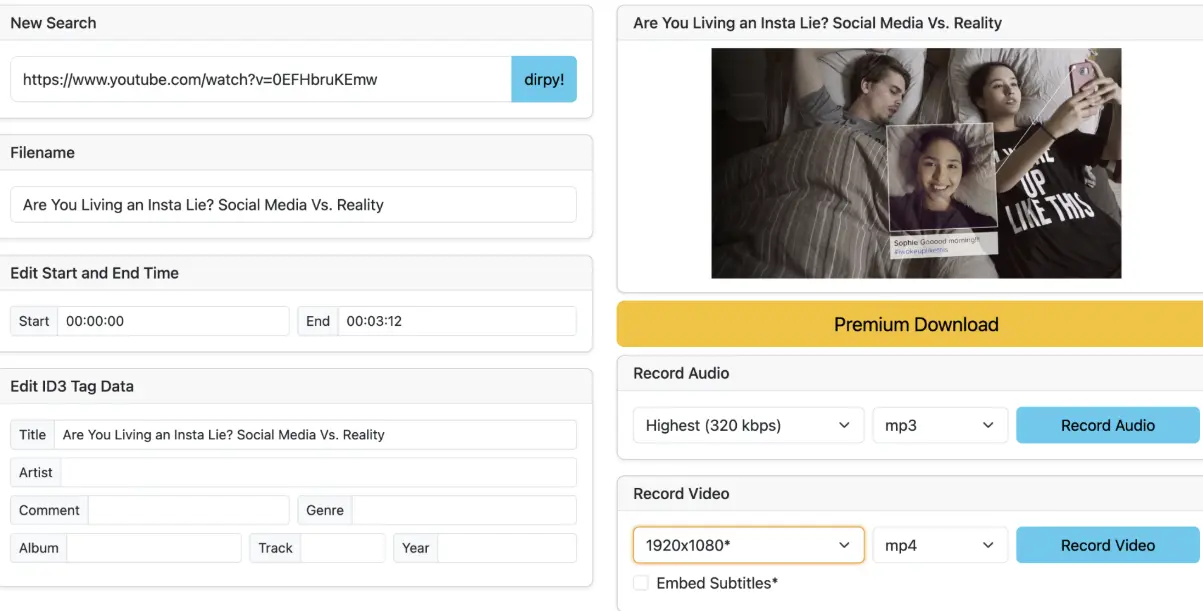
Dirpy works best as a backup option when you need a quick one-off conversion, especially for audio. It feels more like a converter than a full modern downloader, which is exactly why it still has a place in this list. If your main goal is turning a video into an MP3 or grabbing a simple MP4 without installing software, Dirpy is still useful, but it is not the strongest all-around pick.
Key Features:
- Real-time conversion for online media
- MP3 and MP4 downloads on the free tier
- Start and end trimming for audio on free plans
- ID3 metadata support and higher-quality format options on paid plans
- Batch downloads and broader format support on premium tiers
Our Experience:
Dirpy felt most useful as a fallback tool for simple conversions rather than a primary downloader. It was better for quick audio grabs than for full cross-platform downloading.
What We Like:
- Good for quick MP3 or basic MP4 jobs
- Useful trimming and conversion-focused features
- Easy to understand as a one-off tool
What We Don't Like:
- Free tier is limited
- Feels more dated and narrower than stronger all-around tools
SnapTik / SSSTik: Best for TikTok-Only Downloads
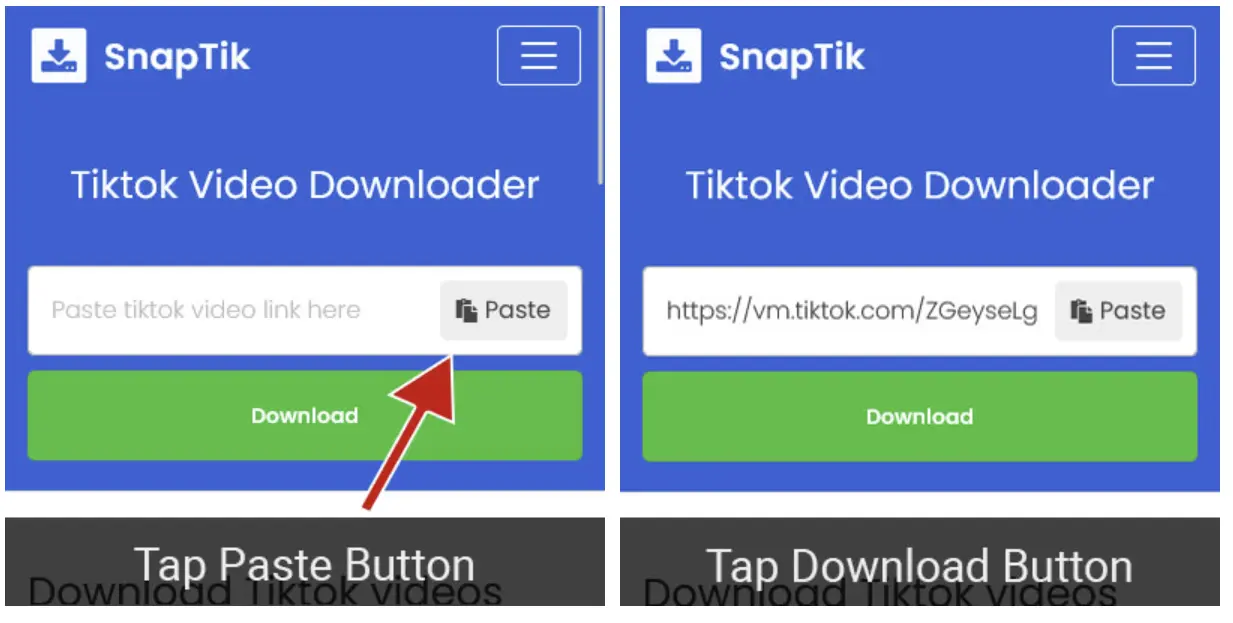
SnapTik and SSSTik work best when your only goal is downloading TikTok videos without a watermark. They are simple, familiar, and built around one very specific job, which makes them more useful for TikTok-only needs than for broader cross-platform downloading. If you mainly save TikTok clips for reposting, reference, or offline use, this type of tool is still one of the fastest options.
Key Features:
- Focused on TikTok downloads only
- No-watermark downloads
- Fast browser-based downloads
- Works on desktop and mobile
- Often includes MP3 or MP4 output options
Our Experience:
In testing, these tools felt fast and easy when used only for TikTok links. Their biggest strength is simplicity, but that same narrow focus makes them much less useful than broader online video downloaders.
What We Like:
- Very fast for TikTok-only use
- Easy to understand
- Good fit for quick no-watermark downloads
What We Don't Like:
- Limited outside TikTok
- Quality and reliability can vary over time
- Not a strong all-purpose choice
VEED: Best for Quick Editing After Download
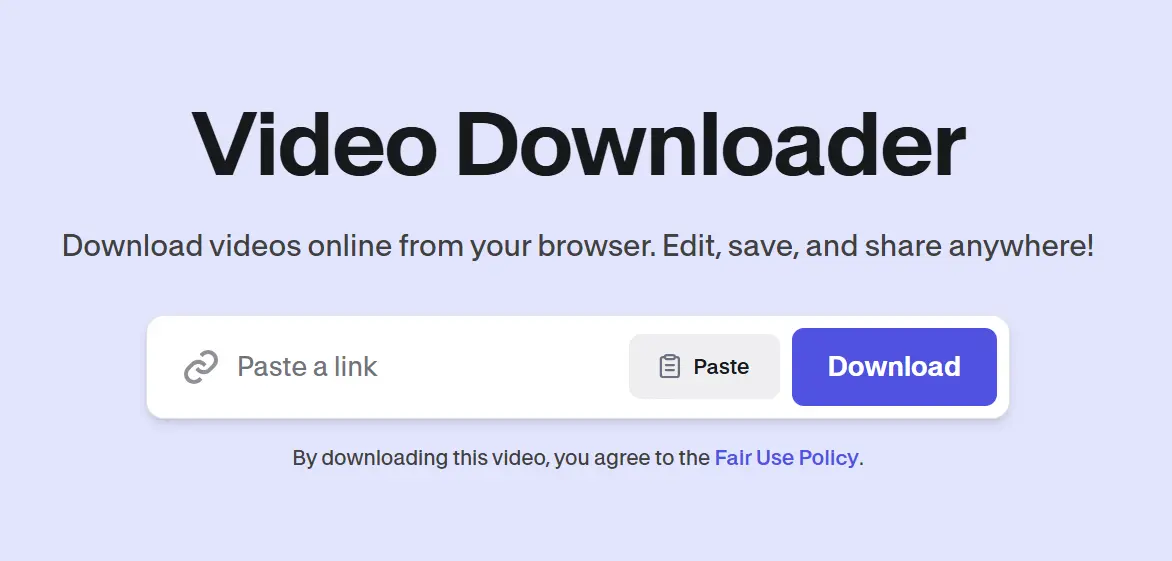
VEED is less of a pure online video downloader and more of a download-to-edit tool. Its main advantage is that once you grab a video, you can move straight into trimming, subtitles, text, audio, or light repurposing without switching platforms. That makes it a better fit for creators and marketers than for users who just want the fastest possible download.
Key Features:
- Browser-based video downloader with built-in editor
- Supports trimming, text, subtitles, and audio edits
- Format conversion and export options
- Works well for short-form reuse and quick content edits
Our Experience:
VEED felt more useful as a lightweight post-download editing tool than as a basic downloader. The process is convenient if you plan to edit right away, but it is less direct than tools built only for downloading.
What We Like:
- Smooth download-to-edit process
- Useful for quick repurposing
- Better for creators than barebones tools
What We Don't Like:
- Not the simplest option for pure downloading
Flixier: Best for Cloud Editing and Publishing Workflows
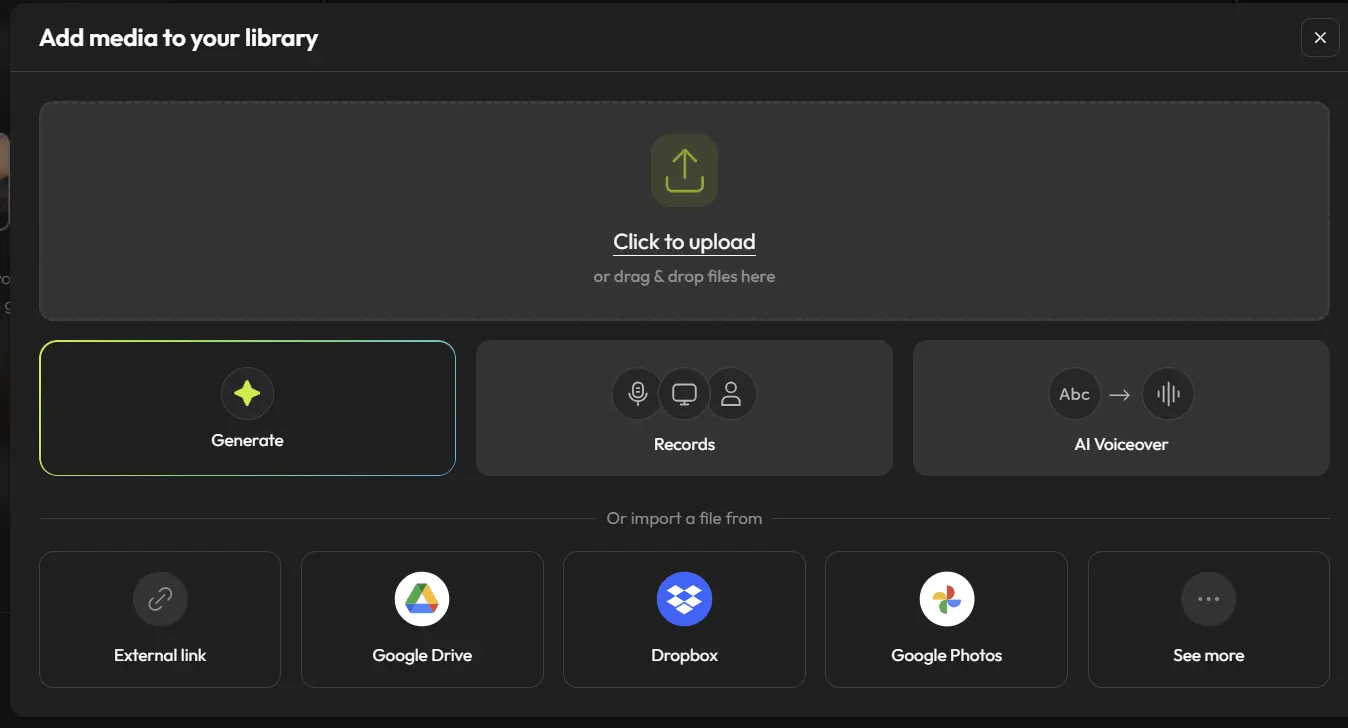
Flixier is not the best online video downloader for users who only want the fastest save-to-device workflow. Its value is what happens after the download. If you are figuring out how to download a video from a website and then turn it into edited content, subtitles, or social clips, Flixier makes more sense than a basic downloader. It sits closer to lightweight online video downloader software than to a simple one-click tool.
Key Features:
- Browser-based video downloading and editing
- Timeline tools for trimming and repurposing
- Built-in subtitle and text tools
- Cloud export and publishing support
Our Experience:
In testing, Flixier felt more like a cloud editor with a built-in downloader than a pure online video downloader. It worked best when the goal was not just to save a file, but to keep working on it right away.
What We Like:
- Strong post-download workflow
- Helpful for subtitles and repurposing
- More capable than a basic video downloader online
What We Don't Like:
- Too heavy for quick one-off downloads
- Less direct than simpler browser-based tools
More Tips: When Online Video Downloader Software Is the Better Choice
Online tools are the most convenient option for quick, one-off downloads across devices, but they are not the right answer for every use case. If you download frequently, need batch support, care most about YouTube stability, or want more control over naming, formats, archives, and automation, browser-based tools start to show their limits.
That is usually the point where online video downloader software, yt-dlp, or GUI frontends become the better fit. Drawing that line clearly matters, because the best online video downloader is not always the best downloader overall.
Part 4: The Verdict
The best online video downloader depends on what you need most. For a clean all-around experience, VideoDownloadTool is the safest recommendation for most users. Cobalt is the strongest free option if privacy, trust, and a cleaner experience matter most. SnapTik and SSSTik still make sense for TikTok-only needs, while VEED and Flixier are better when downloading is just the first step in a larger editing workflow.
If your goal is fast, simple, browser-based downloading, an online tool is often enough. If your needs are heavier, more technical, or more YouTube-focused, local tools are still the more reliable long-term choice.
Part 5: FAQs About Online Video Downloaders
How do I download a video from a website?
The easiest way is to copy the video URL, paste it into an online video downloader, and choose the available format or quality. This works best for public video pages and common social platforms. If you are trying to download a video from a website with more restrictions, results may vary depending on the tool and the platform.
Is an online video downloader safe to use?
Some are, but many are not. The safer options usually have a cleaner interface, fewer redirects, clearer policies, and better trust signals. That is one reason tools like VideoDownloadTool and Cobalt stand out more than typical SEO-driven download sites filled with fake buttons or aggressive ads.
Why do some online video downloaders stop working?
Online video downloaders change all the time because platforms regularly update how video files are delivered and protected. A tool that works well today may become less stable later, especially for YouTube. That is why stability matters as much as speed when choosing the best online video downloader.
Do online video downloaders reduce video or audio quality?
Not always, but many free tools limit quality or format options. Some only offer basic outputs, while others support more advanced choices. If getting the best possible YouTube video quality is your top priority, you may need a tool with better output controls or even local downloader software for more reliable results.
When should I use downloader software instead of an online video downloader?
You should consider downloader software when you need bulk downloads, playlists, better YouTube stability, advanced naming, archives, or automation. Online tools are great for fast and simple use, but once your needs become heavier or more repeatable, local tools usually offer better control and long-term reliability.