
1
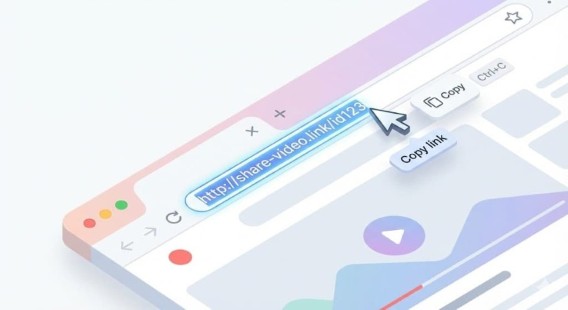
Copy the URL
Find a video on YouTube, click on the "Share" button, then copy the full URL.
Paste a YouTube video or Shorts link and prepare a clean MP4 download in your browser. It stays simple on desktop or mobile, with no sign-up and no ads.
For personal use only. By using this service, you agree to our Terms of Use .
Find a video on YouTube, click on the "Share" button, then copy the full URL.
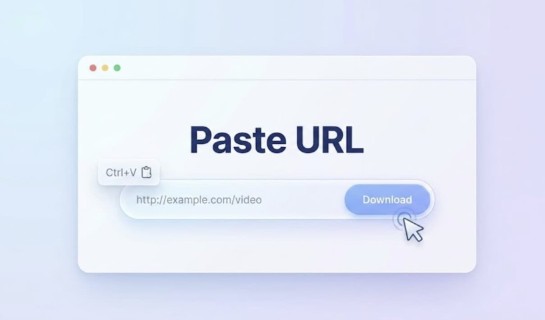
Go to our online video converter then drop the video link into the input box above.
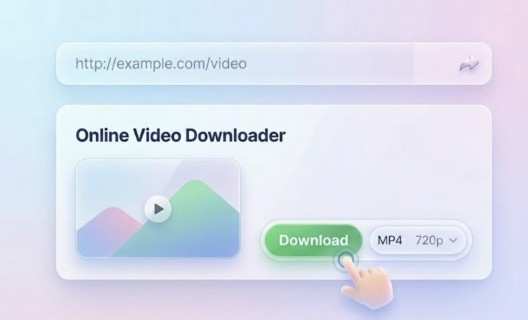
Choose the output format and hit the button to start converting YouTube video to MP4.
The MP4 format (.mp4) is a digital media file format designed to store various types of content, including video, audio, images, and subtitles. It is one of the most widely used and convenient formats because it is compatible with most operating systems, media players, and web browsers. You can play MP4 videos on many devices, including Apple and Windows computers, Android smartphones, gaming consoles, and media players such as VLC.
The direct answer is that YouTube does not let you download videos freely in a standard MP4 file format. If you want to play YouTube videos offline, keep a local backup of them, or use them for editing in a video editor, a YouTube to MP4 converter is a quick and easy solution to save those videos directly to your device. That means you get long-term offline access to the original videos without dealing with buffering issues or ads.
If you've ever spent an hour messing with free converter sites, you know the pain: the download looks fine at first, but then it cuts off after 30 to 50 minutes or freezes on a single frame. VideoDownloadTool offers a stable, fast YouTube to MP4 converter that helps you convert videos reliably without quality loss. It is designed with a clean, user-friendly interface, so you will not have to deal with aggressive ads, confusing download buttons, or other security risks while using it.
Paste the link and convert YouTube videos to MP4 in just a few steps, with less waiting and a smoother download experience.
Start using the tool right away without creating an account or sharing unnecessary personal information.
Downloaded MP4 files stay clean, with no added watermark on the final output.
Save videos in MP4 format for easier playback across devices, browsers, and media players.
Enjoy a cleaner conversion process without distracting pop-ups, banners, or unnecessary clutter.
Works smoothly in major browsers like Chrome, Safari, Firefox, and Edge on both desktop and mobile.
Find answers to common questions about our YouTube to MP4 converter.
It depends. Only convert/download videos you own, have permission to download, or are clearly licensed for reuse. If you're not sure, stream it on YouTube instead.
Simple, fast and free tools to help you save any online video or audio for offline use.